QR Business Cards: A Smarter Way to Share Your Profile
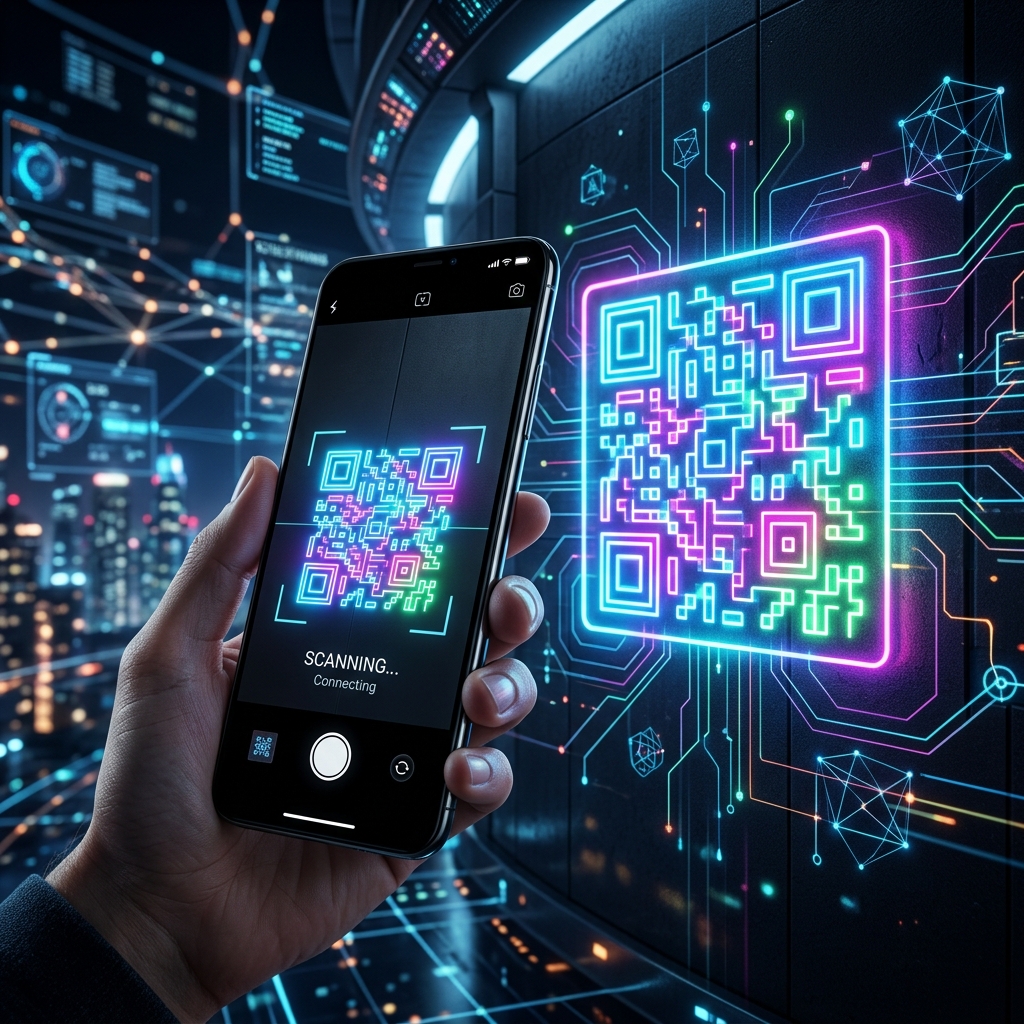
What Is a QR Business Card? A QR business card uses a scannable code to connect people to your digital profile.
What Is a QR Business Card?
A QR business card uses a scannable code to connect people to your digital profile. Instead of printing every phone number, social link, service, qualification, or company detail on a small card, you can direct people to one updated Aboutme.pk page.
The QR code can be printed or displayed digitally. When someone scans it with a smartphone, the person's personal, professional, or company profile opens immediately.
Why QR Business Cards Are Useful
Traditional business cards have limited space and become outdated when a phone number, job title, address, or service changes. A QR card solves this problem because the printed code can continue to point to an online profile that you update over time.
It also reduces the need to type long website addresses. This makes sharing faster at meetings, events, offices, exhibitions, classrooms, clinics, shops, and community activities.
Connect One Scan to a Complete Introduction
An Aboutme.pk QR Business Card can lead to a profile containing your name, photo, bio, profession, services, contact options, social links, website, verification badge, and other public information. This gives the visitor more context than a basic phone number or social media handle.
The profile should be clear before you create the QR card. A code is only useful when the page behind it provides accurate and relevant information.
Where to Use Your QR Business Card
Add the QR code to printed business cards, CVs, proposals, brochures, product packaging, event badges, certificates, shop counters, office desks, menus, posters, presentation slides, email signatures, or social media posts.
Professionals can use it for networking and referrals. Businesses can use it for customer enquiries and company information. Students and job seekers can link it to a digital introduction or portfolio. Speakers and teachers can place it on slides or course material.
Choose a Clean QR Card Design
Keep the card simple. Use a readable name, clear professional title or company name, and a high-quality photo or logo. The QR code should have enough empty space around it and should not be covered by decorative elements.
Use strong contrast between the QR code and its background. Avoid printing it too small. A beautiful design is not useful if the code cannot be scanned easily.
Test Before You Print or Share
Scan the QR code using more than one phone and from different distances. Check that it opens the correct Aboutme.pk profile and that the page works well on mobile.
After printing, test the physical card again. Poor print quality, glare, folds, or incorrect sizing can affect scanning. Keep a digital copy in a suitable format for future use.
Protect Privacy and Control Visibility
A QR code makes a profile easy to access, so review what information is public. Display only the phone number, email, WhatsApp link, or address that you are comfortable sharing.
Aboutme.pk allows the profile owner to organize contact details and use contact options according to the profile's purpose. A professional profile should be easy to reach without exposing unnecessary personal information.
Keep the Linked Profile Updated
The main advantage of a digital QR business card is that the linked information can remain current. When your role, contact details, services, or company information changes, update the Aboutme.pk profile.
You may not need to print a new card if the profile URL remains the same. This can reduce waste and keep your introduction accurate.
Make Every Introduction Easier
A QR Business Card is not only a technology feature. It is a practical bridge between offline meetings and online information. It helps people move from a quick introduction to a complete, professional profile.
Use it with a clear Aboutme.pk profile, a simple design, and accurate contact information. One scan should make it easier for the right person to understand and connect with you.